
How to Automate 30 Days of Instagram Reels in Just 1 Hour

Updated: June 2026 • 6 min read
If you feel like you are running on an endless Instagram hamster wheel, you are not alone. The algorithm demands daily video content to keep your account visible, especially when you consider that the average Reels reach rate is 30.81%, more than 2× higher than carousels, image posts, and Stories. But for busy founders, creators, and agencies, recording and posting every single day is practically impossible. The constant pressure to create, edit, and publish on the fly is a fast track to burnout. If you want to know how to schedule Instagram Reels without losing your weekends, you need a system that works entirely without you.
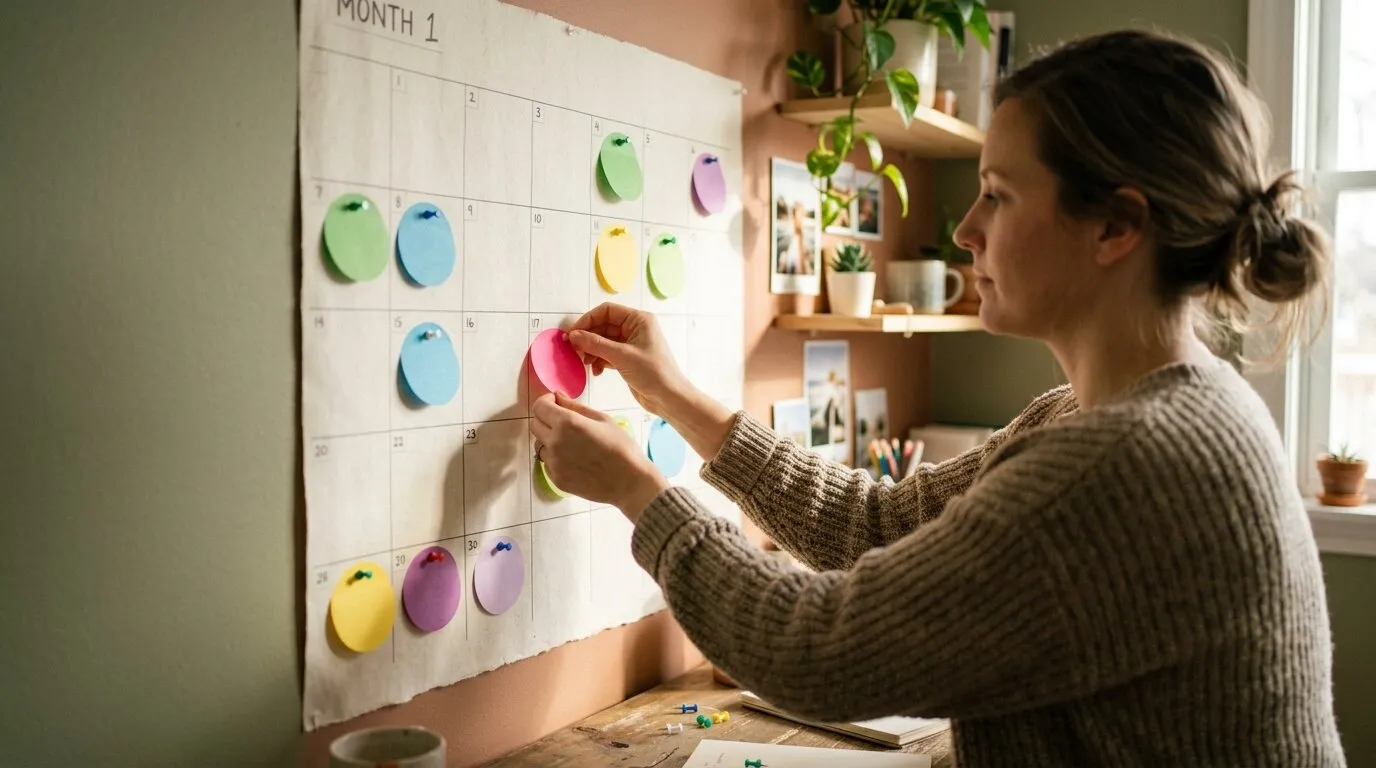
The Workflow Snapshot
- ⏳ Time Required: 60 Minutes
- 🛠️ Tools Needed: CapCut/Canva (editing) + Publer (automation)
- 📈 The Result: 30 days of hands-free Instagram growth.
Why You Need an Instagram Automation Tool in 2026
The days of getting a frustrating "push notification" right when you sit down for dinner, forcing you to manually publish a Reel, are officially over. Modern API integrations allow for direct auto-publishing straight to the Instagram grid. If you aren't using the best Instagram automation tool to direct-publish your content, you are wasting valuable time and mental bandwidth. In 2026, being a successful creator or brand isn't about working harder on the platform; it's about working smarter off of it. By choosing to automate Instagram Reels, you decouple your creative process from your posting schedule, ensuring your content hits the feed exactly when your audience is most active.
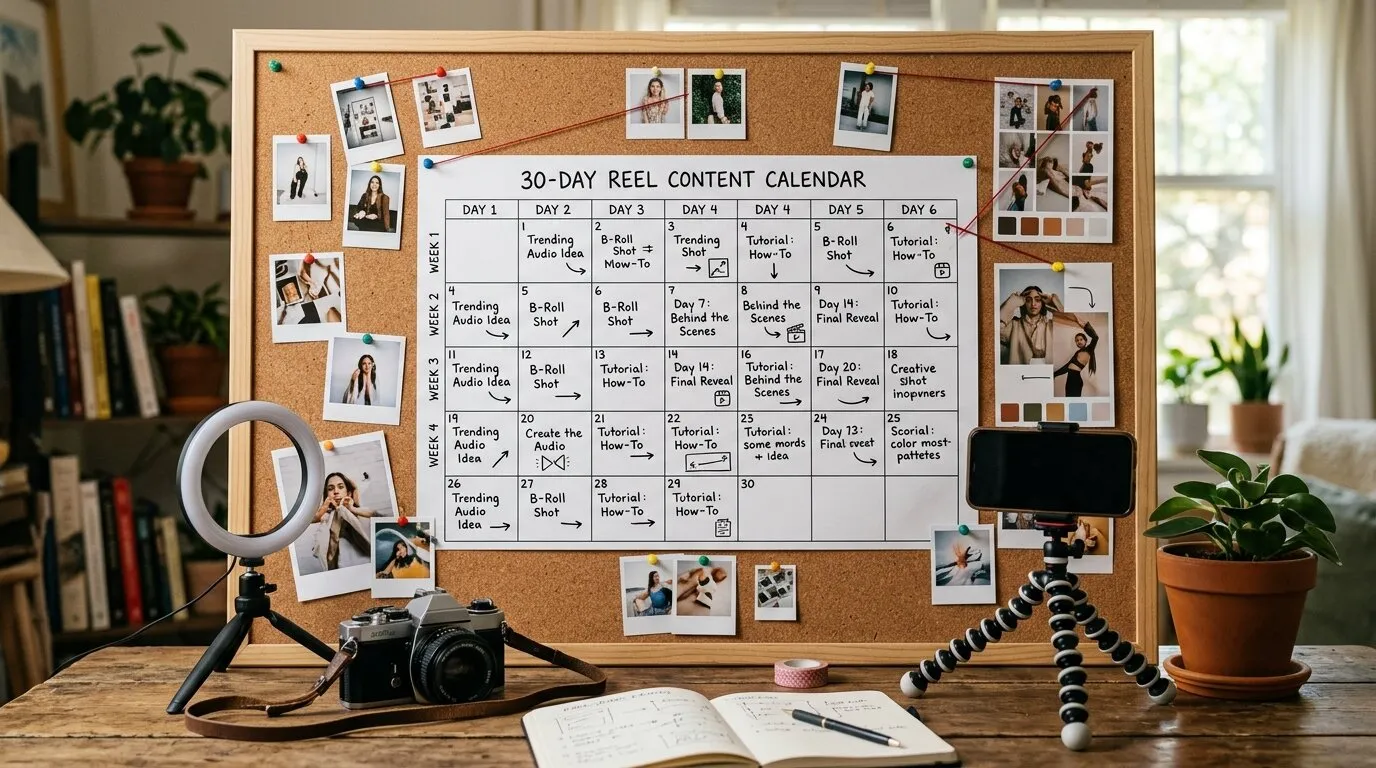
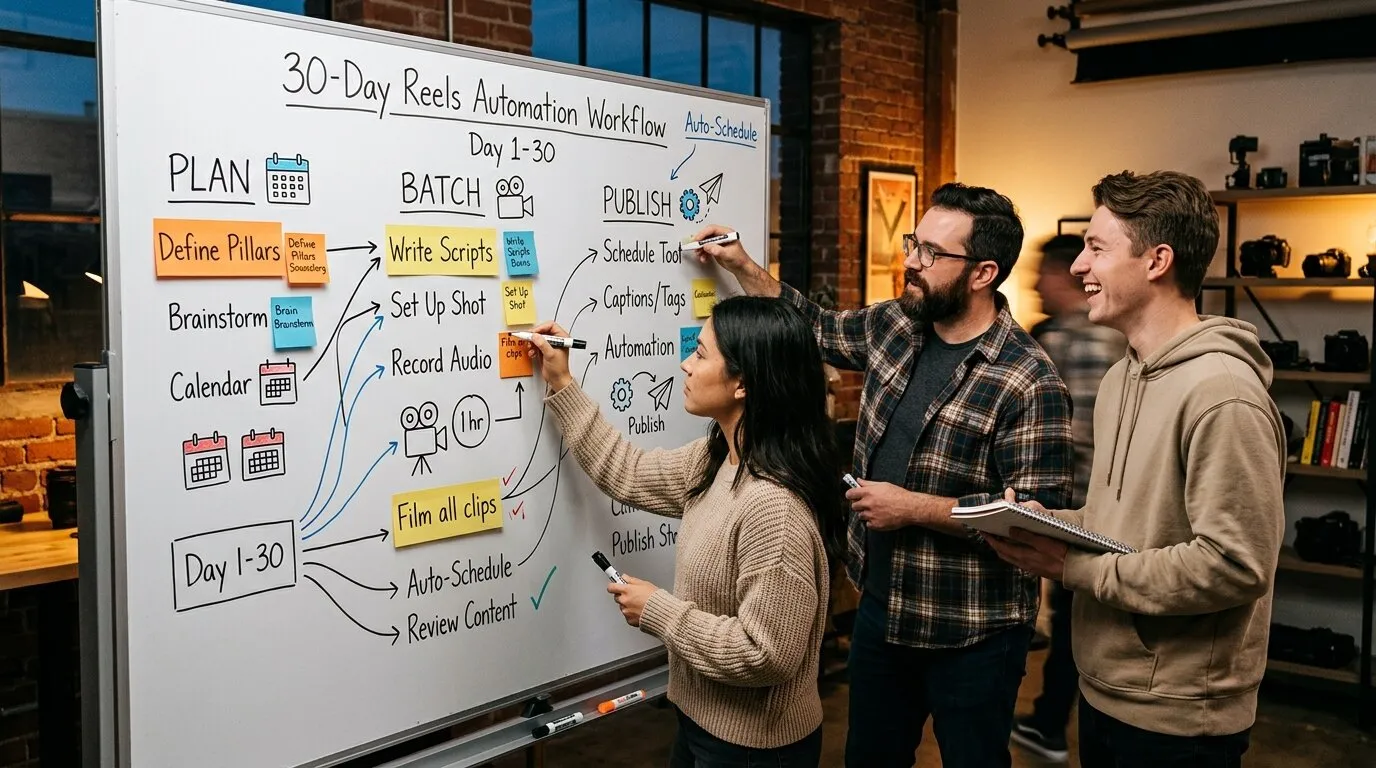
The "Reels Script" Workflow (Step-by-Step)
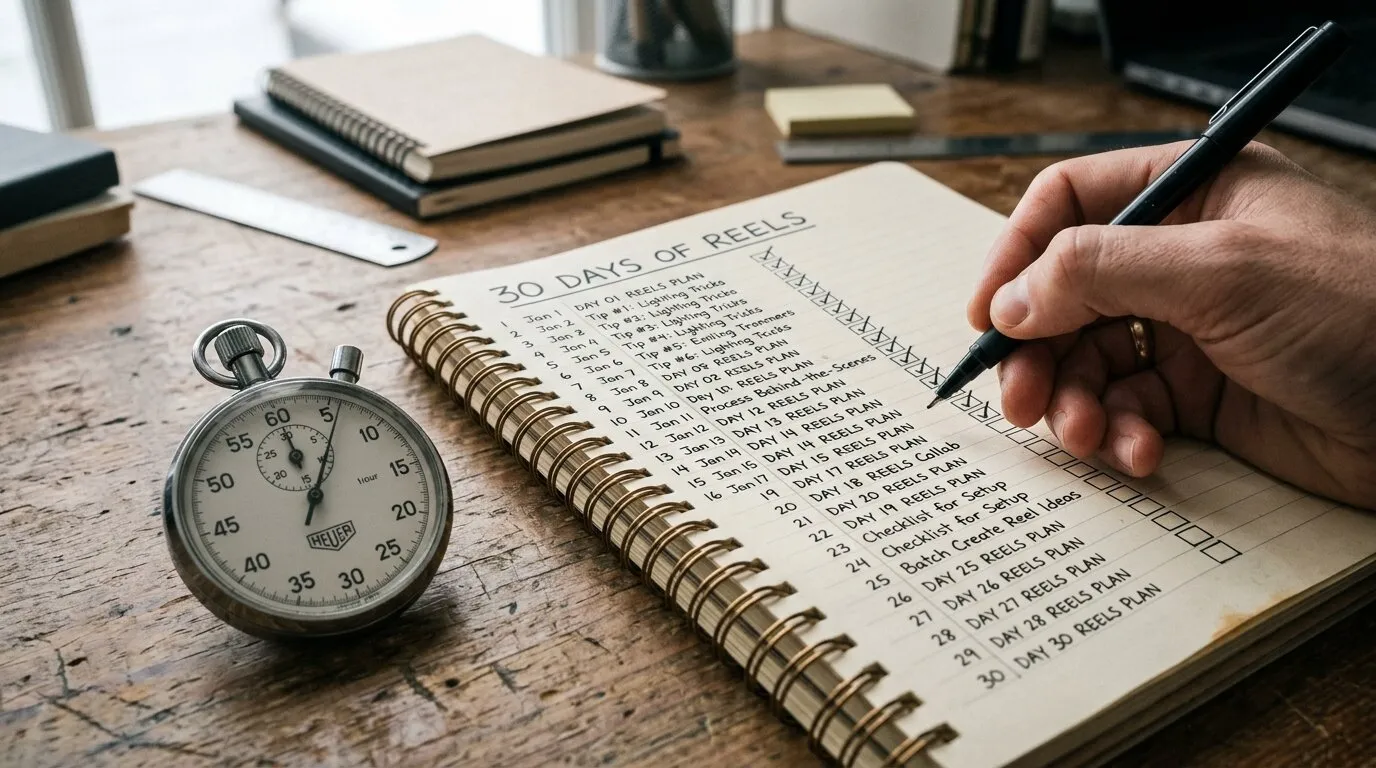
The idea of creating a whole month's worth of content sounds intimidating, but it becomes incredibly simple when you break it down into three manageable steps. Here is the exact script we use to bulk schedule Reels in record time.
Step 1: Batch Creation (The 45-Minute Sprint)
Do not spend hours agonizing over complex video editing. The goal here is volume and authenticity. Embrace the concept of "batching." Set aside 45 minutes to film 30 short, raw clips: these can be B-roll of your workspace, behind-the-scenes action, quick tips, or screen recordings. Keep them between 60-90 seconds for optimal performance, then save them all to a dedicated folder on your desktop. You don't need a cinematic masterpiece to capture attention; you just need a solid hook.
Step 2: AI Bulk Captions (The 5-Minute Hack)
This is where the magic of Publer comes in. Instead of hunching over your phone, painstakingly typing out captions and hunting for hashtags on a tiny keyboard, you can use Publer’s built-in AI Assist. In about five minutes, you can generate 30 engaging captions and relevant hashtags tailored to each video. The AI understands your brand voice and platform trends, allowing you to review and approve compelling copy in a fraction of the time it would take to write manually. You can even instruct the AI to include a simple question in each caption to maximize engagement.
Step 3: Bulk Scheduling (The 10-Minute Setup)
Now that you have your folder of 30 videos and your AI-generated captions, it's time to learn exactly how to schedule Instagram Reels using Publer. It takes just 10 minutes from start to finish:
- Upload: Drag and drop your entire desktop folder of B-roll videos into the Publer composer.
- Paste & Tag: Paste your AI-generated captions and hashtags into their respective posts. Select your custom cover frame so your IG Grid looks cohesive.
- Select Dates: Use the calendar view to select the optimal days and times for the next 30 days.
- Schedule: Hit the schedule button, sit back, and watch your workflow automate itself.
Why Publer is the Best Instagram Reels Scheduler
You can try to piece together various apps to accomplish this workflow, but Publer is purpose-built to be the ultimate Instagram Reels scheduler 2026. Once you experience the interface, it's hard to go back. Here are the key features that make it the required engine for this script:
- Direct Auto-Publish: Say goodbye to annoying mobile reminders. Publer posts your Reels directly to the grid automatically, even if you are asleep.
- Custom Cover Images: You can upload a specific thumbnail frame right inside Publer, ensuring your IG Grid stays aesthetically pleasing and on-brand.
- Auto-Delete / Auto-Hide: This is a unique Publer feature. You can set a Reel to automatically hide or delete after a certain amount of time, perfect for limited-time promotions or seasonal content that shouldn't live on your profile forever.
- First Comment: Schedule a block of hashtags to go into the first comment automatically, keeping your main caption clean and readable.
Because the vast majority of a Reel's performance happens in the first three days, using a scheduler that guarantees precise, hands-free publishing is critical to maintaining algorithm momentum.
Pro Tip: The "Evergreen Recycling" Loop
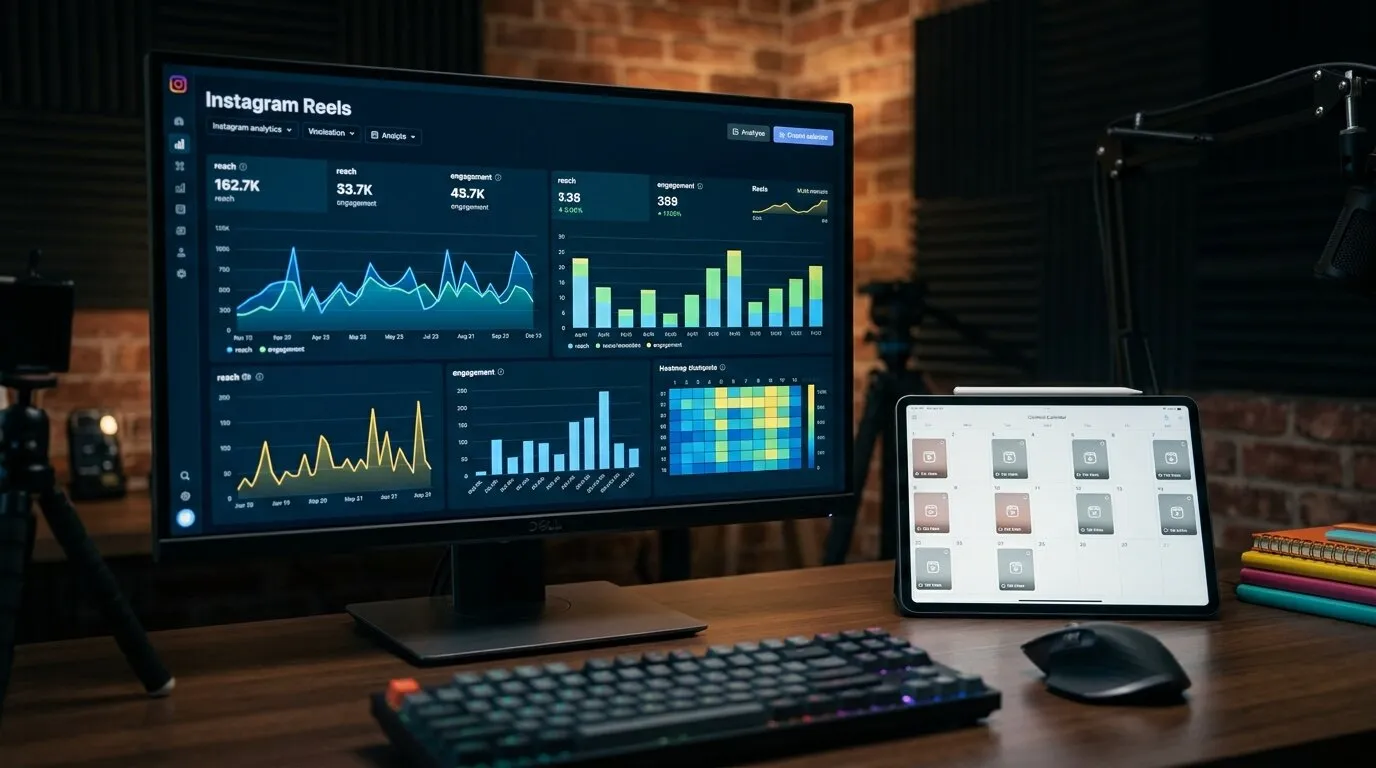
Not every Reel needs to be brand new. In fact, some of your best-performing, evergreen content deserves a second life to reach new followers. You can use Publer’s "Recurring" feature to automatically re-post high-performing Reels every 3-4 months without lifting a finger. Set it once, and Publer will recycle your top educational or entertaining videos to new audience members who never saw them the first time around. This takes the concept of automation to an entirely new level.
Ready to Step Off the Content Treadmill?
The emotional benefit of this workflow is massive: you get your weekends back and eliminate the daily stress of wondering "what do I post today?" The business benefit is equally powerful: consistent algorithm growth driven by daily, hands-free video content. You now have the exact blueprint to automate 30 days of content in a single hour. All you need now is the tool to make it happen.
Execute This Workflow Today
Don't wait until you're burnt out again to fix your content strategy. Take action right now:
- Create your free Publer account using the link below.
- Connect your Instagram Business/Creator profile.
- Upload your first 5 videos and schedule your week.